Suspending Releases
Sometimes a release needs to be suspended before it reaches its natural conclusion. Tramline provides two mechanisms for this: stopping a release entirely, or locking individual platforms in a synchronized release.
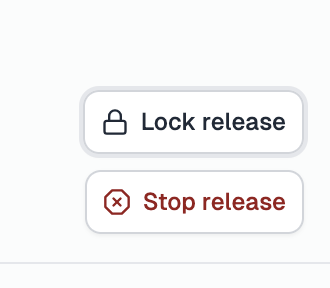
Stopping a release
Stopping a release is a terminal action. Once stopped, the release does not accept any further actions or changes, including commits to the release branch. The release moves to the Previous Releases section on the homepage and is no longer active.
Use this when you want to abandon a release entirely, for example, if a release was started by mistake or the release is no longer needed.
Stopping a release cannot be undone. Make sure you have merged any necessary changes back to your working branch before stopping.
Locking platforms
For synchronized releases (e.g. iOS + Android), you may want to stop progressing one platform while keeping the other active. Locking a platform allows you to do exactly this.
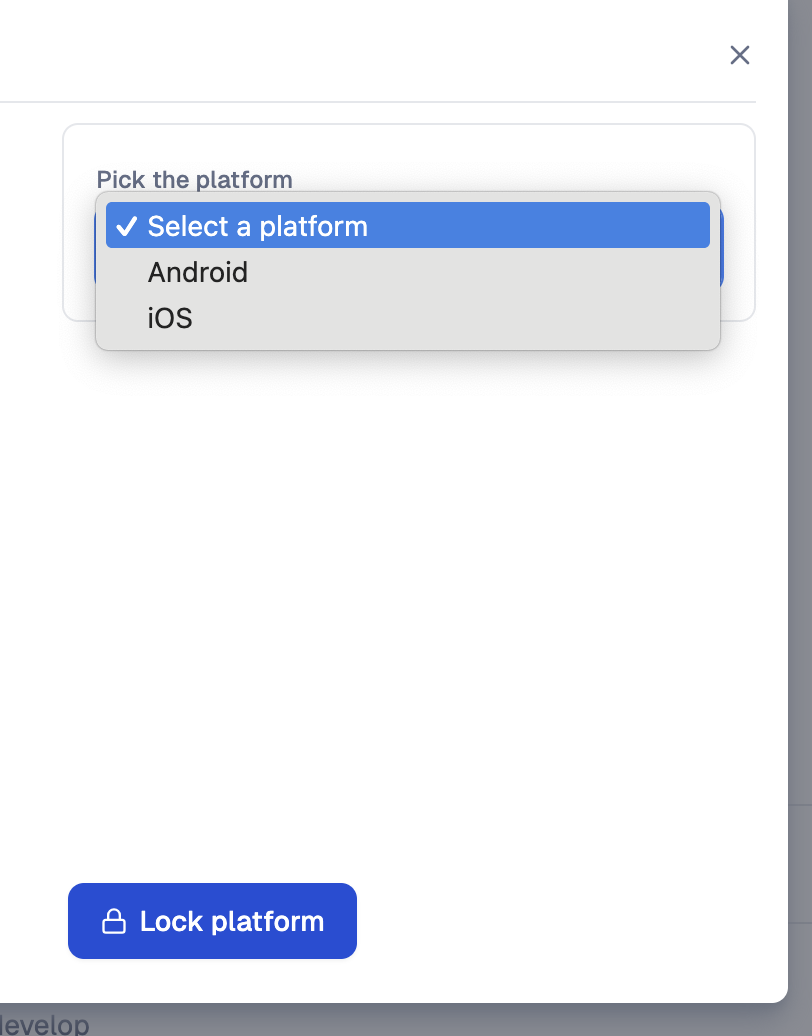
When you lock a platform:
- The platform's rollout is marked as complete, but critical fixes can still be applied to it.
- The other platform in the release continues as normal.
- Upcoming releases are unblocked for the locked platform, allowing them to proceed to production independently.
This is useful when a particular platform is blocking an upcoming release. For example, if a problematic commit on the current release is holding up the next production release for iOS, you can lock iOS on the current release and let the upcoming release proceed for that platform.
Even after a platform is locked, commits can still land on the release branch for critical bug fixes. The platform only becomes fully locked after the release is complete.
See Finalizing the Release for more details.
Single-platform releases
For single-platform releases, locking the one platform effectively marks the release as concluded early. Use this when you need to prematurely complete a release without going through the full rollout.