Build Numbers
As with versions, Tramline manages the build numbers for your apps as well to ensure that each build can be uniquely identified and there are no clashes.
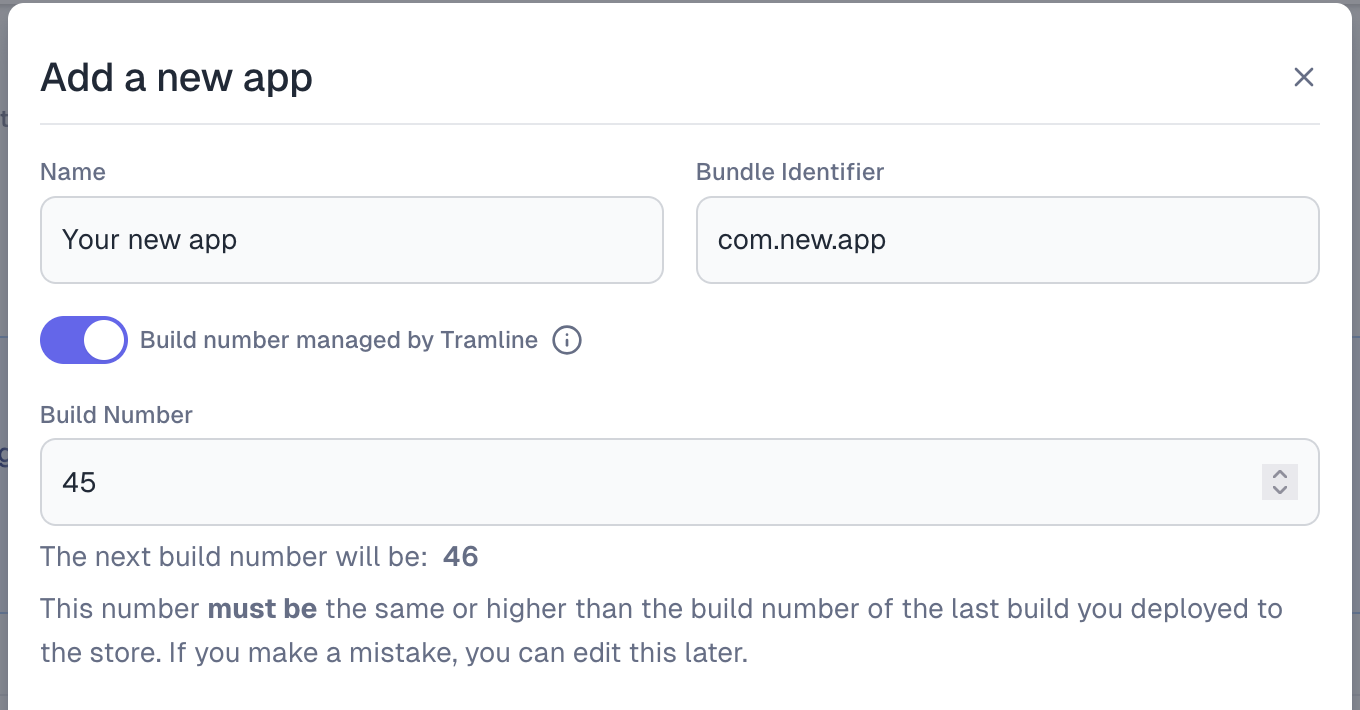
After you set the current build number of the app in the onboarding process, Tramline will monotonically increment the build number for each new build generated. In addition to the increment, it also checks the stores for the latest build number uploaded to the store and auto-increments the new build number to be greater than that.
When a workflow is triggered during the release process, Tramline will send the build number as an input to the CI pipeline which it should accept and use to create the build.
You can see an example of how this is used in your workflow here.
In case, you want to manage it externally, you can configure so when adding your app to Tramline, you can select the Externally Managed option.
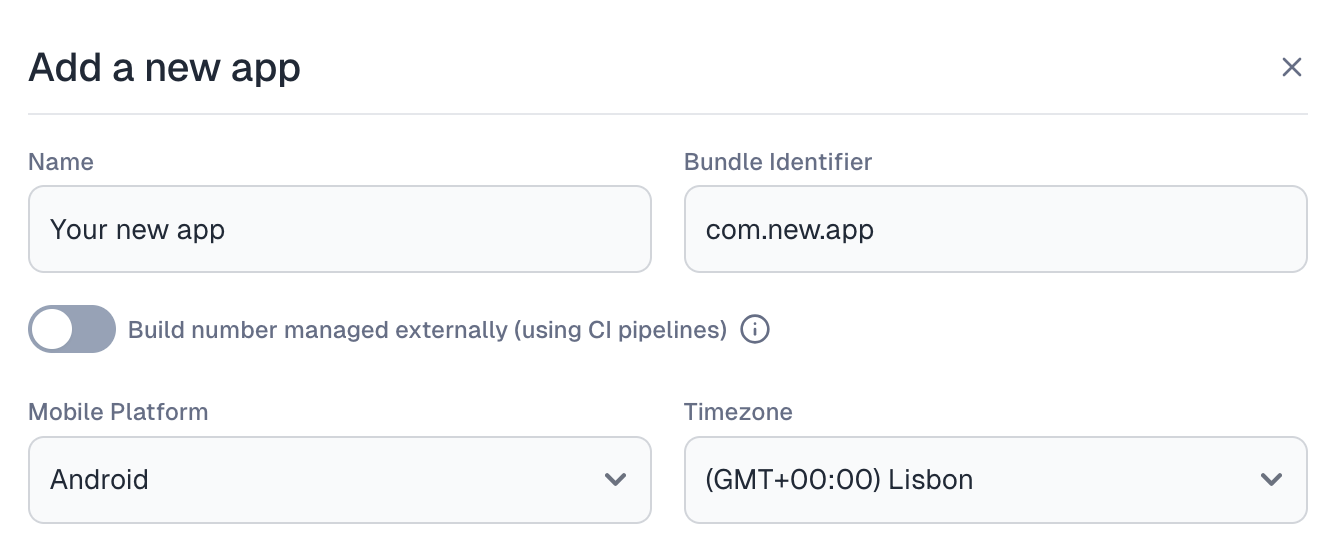
Tramline supports two distinct strategies:
Internal Management (default): Tramline automatically increments build numbers for each new build, maintaining consistency across your releases.
External Management: Build numbers are expected to be the CI workflow numbers (typically monotonically increasing). This is useful when you are integrating with Bitrise where the default build number is the workflow number. Tramline will use the workflow number to identify and find the relevant build in ths stores.
Please note that this strategy cannot be changed once the app is added to Tramline. So, please be careful. We recommend using the Internal Management strategy for most use cases.